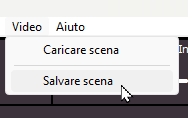
From the Video menu you can save or load video scenes. A video scene includes the position and size of all graphic objects in MB STUDIO VIDEO, namely:
- Video from MB LIVE
- Video cameras 1, 2, and 3
- Video logo
- Image or video button
- Graphic effects
- Static videos
- Random videos
- Banners
- Cover art
- External application
- Text overlay
- Weather
- Video background image
The first step is to save the current scene with a recognizable name, for example, "main scene."
Next, you can adjust the position and size of the desired windows and then save the modified scene under a different name.
In practice, this feature is useful for preparing scenes tailored to various types of broadcasts—for instance, a scene using two video cameras (one focused on the host and one on a guest) or a scene using three video cameras (one focused on the host and two focused on guests).
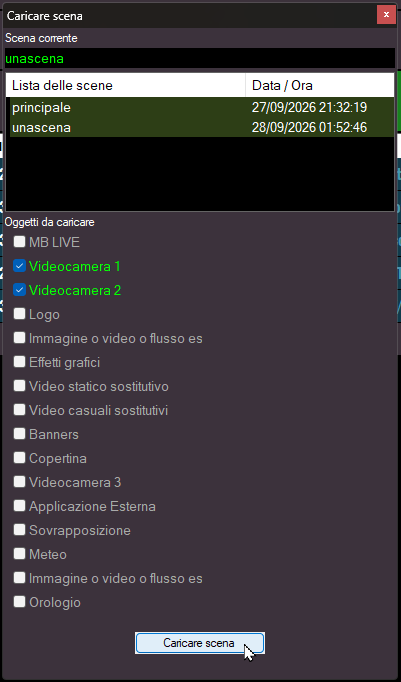
When loading a scene, you can choose which specific graphic object(s) you wish to apply the saved position and size settings to.
The new coordinates are applied when the position is set to "Default"; however, if you manually specify a position (for example, left or right), these new coordinates are ignored.